
Qdabra Forms Training Fall 2021
Thank you for your interest in Qdabra Forms Training.
To access the labs and forms for this class, click download above to access the Course Directory form. This form allows you to see the topics for each day and gives you access to download the packages.
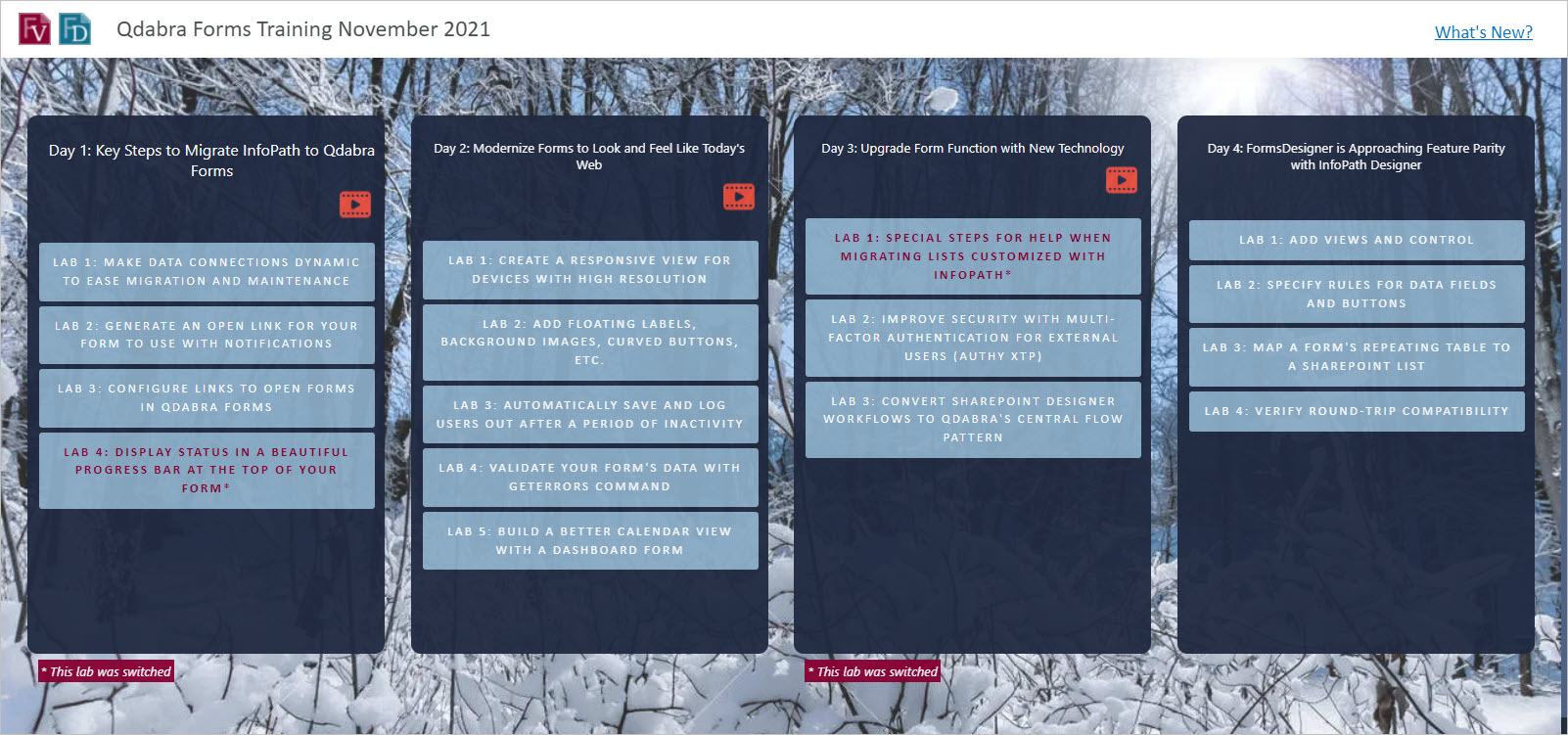
Getting to the labs is easy, sign up in the Course Directory form
Day 1: Key Steps to Migrate InfoPath to Qdabra Forms
Watch recording
Download slide deck
- Lab 1 – Make data connections dynamic to ease migration and maintenance
- Lab 2 – Generate an open link for your form to use with notifications
- Lab 3 – Configure Links to Open Forms in Qdabra Forms
- Lab 4 – Display status in a beautiful progress bar at the top of your form*
Day 2: Modernize Forms to Look and Feel Like Today's Web
Watch recording
Download slide deck
- Lab 1 – Create a responsive view for devices with high resolution
- Lab 2 – Add floating labels, background images, curved buttons, etc.
- Lab 3 – Automatically save and log users out after a period of inactivity
- Lab 4 – Validate your form's Data with GetErrors command
- Lab 5 – Build a better calendar view with a dashboard form
Day 3: Upgrade Form Function with New Technology
Watch recording
Download slide deck
- Lab 1 – Special steps for help when migrating lists customized with InfoPath*
- Lab 2 – Improve security with multi-factor authentication for external users (Authy XTP)
- Lab 3 – Convert SharePoint Designer workflows to Qdabra's Central Flow pattern
Day 4: FormsDesigner is Approaching Feature Parity with InfoPath Designer
Download slide deck
* These labs were switched