
Qdabra Forms Training Fall 2022
Thank you for your interest in Qdabra Forms Training.
To access the labs and forms for this class, click download above.
Getting to the labs is easy, sign up in the Course Directory form
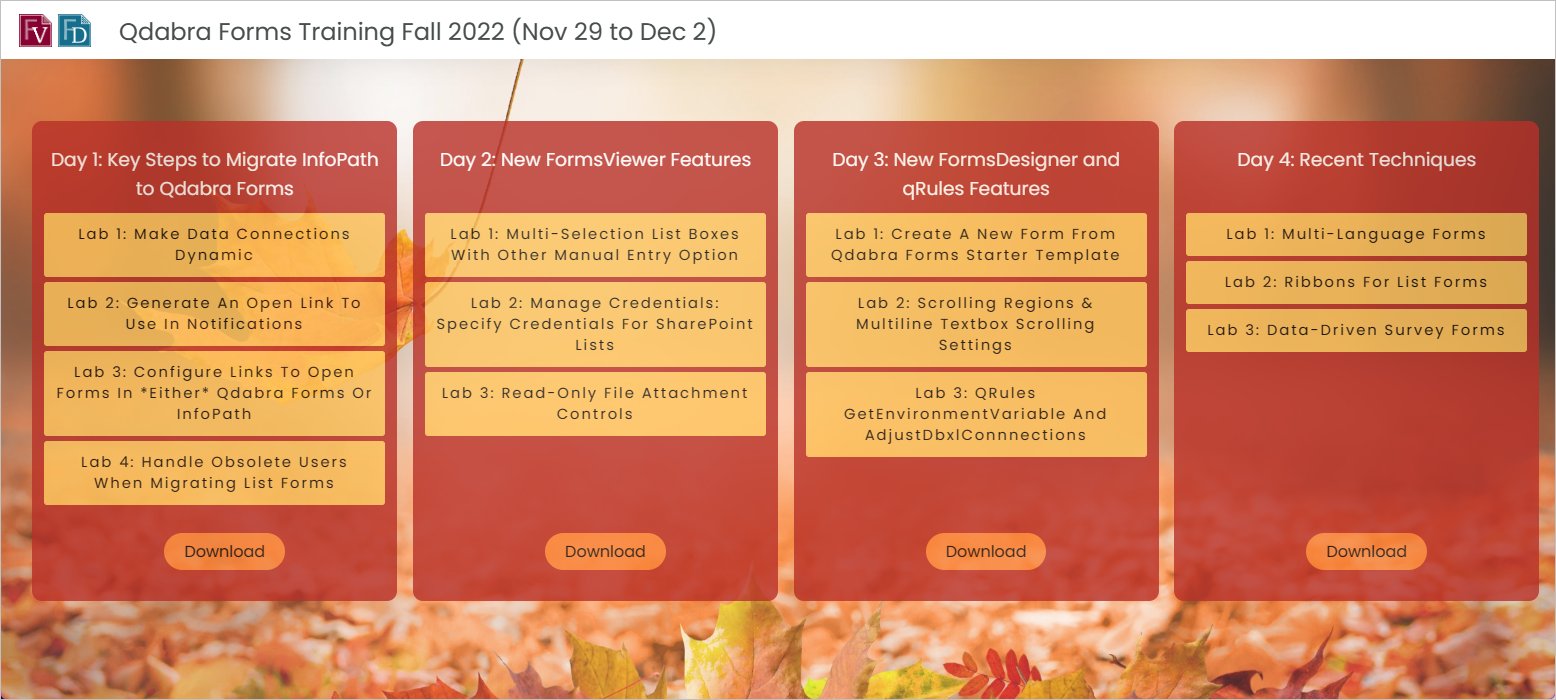
Day 1: Key Steps to Migrate InfoPath to Qdabra Forms
Watch recording
Download slide deck
- Lab 1 – Make Data Connections Dynamic
- Lab 2 – Generate an Open Link to Use in Notifications
- Lab 3 – Configure Links to Open Forms in *either* Qdabra Forms or InfoPath
- Lab 4 – Handle Obsolete Users when Migrating List Forms
Day 2: New FormsViewer Features
Watch recording
Download slide deck
- Lab 1 – Multi-Selection List Boxes with Other Manual Entry Option
- Lab 2 – Manage Credentials: Specify Credentials for SharePoint Lists
- Lab 3 – Read-only File Attachment Controls
Day 3: New FormsDesigner and qRules Features
Watch recording
Download slide deck
- Lab 1 – Create a New Form From Qdabra Forms Starter Template
- Lab 2 – Scrolling Regions & Multiline Textbox Scrolling Settings
- Lab 3 – qRules GetEnvironmentVariable and AdjustDbxlConnnections
Day 4: Recent Techniques
Watch recording
Download slide deck
- Lab 1 – Multi-Language Forms
- Lab 2 – Ribbons for List Forms
- Lab 3 – Data-driven Survey Forms