
Qdabra Forms Training Spring 2022
Thank you for your interest in Qdabra Forms Training.
To access the labs and forms for this class, click download above to access the Course Directory form. This form allows you to see the topics for each day and gives you access to download the packages.
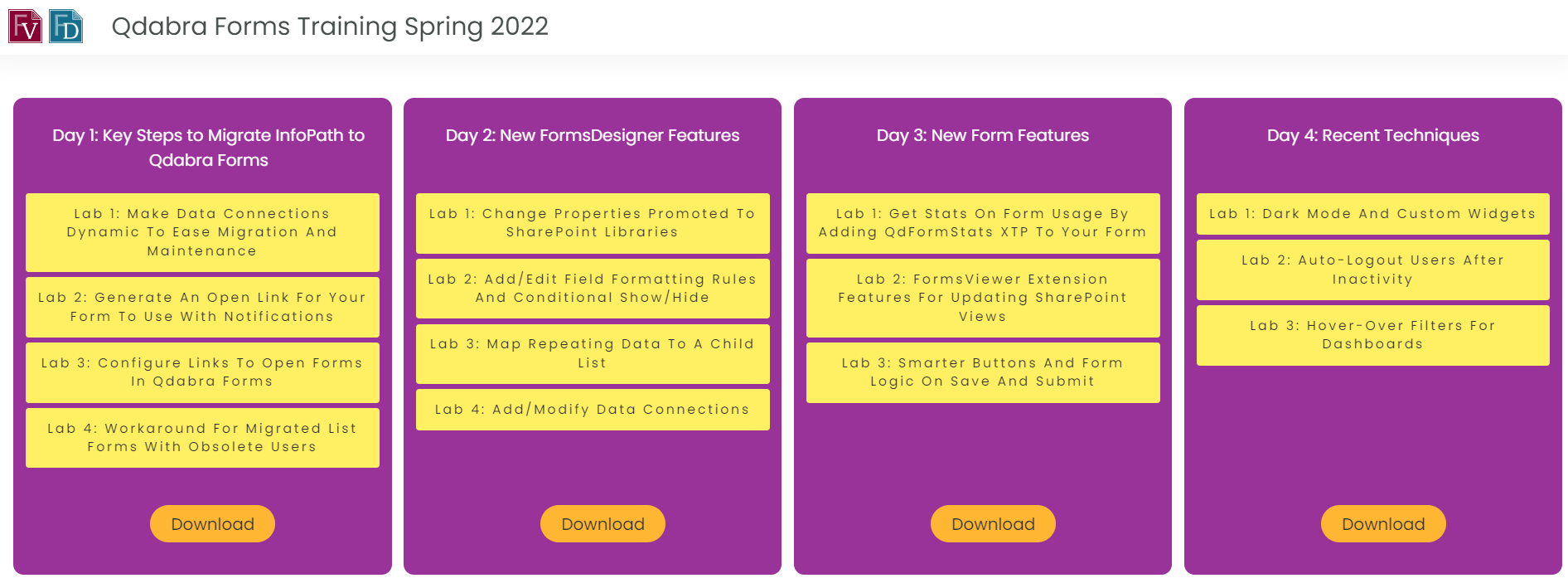
Getting to the labs is easy, sign up in the Course Directory form
Day 1: Key Steps to Migrate InfoPath to Qdabra Forms
Watch recording
Download slide deck
- Lab 1 – Make data connections dynamic to ease migration and maintenance
- Lab 2 – Generate an open link for your form to use with notifications
- Lab 3 – Configure Links to Open Forms in Qdabra Forms
- Lab 4 – Workaround for migrated list forms with obsolete users
Day 2: New FormsDesigner Features
Watch recording
Download slide deck
- Lab 1 – Change properties promoted to SharePoint libraries
- Lab 2 – Add/Edit field formatting rules and conditional show/hide
- Lab 3 – Map repeating data to a child list
- Lab 4 – Add/Modify data connections
Day 3: New Form Features
Watch recording
Download slide deck
- Lab 1 – Get stats on form usage by adding QdFormStats XTP to your form
- Lab 2 – FormsViewer Extension features for updating SharePoint views
- Lab 3 – Smarter buttons and form logic on Save and Submit
Day 4: Recent Techniques
Watch recording
Download slide deck
- Lab 1 – Dark Mode and Custom Widgets
- Lab 2 – Auto-logout users after inactivity
- Lab 3 – Hover-over filters for dashboards