Does your data live in Excel? Would you like to move it to InfoPath? Qdabra Excel to XML Tool to the rescue! This simple command-line based tool will take an existing Excel spreadsheet and generate XML documents with your data. The tool will also optionally upload the documents to Qdabra DBXL to further streamline your data processing.
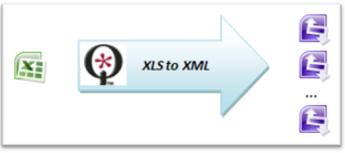
The tool is driven by a simple configuration file that maps Excel columns into fields on an InfoPath solution. Suppose, for example, that you have a spreadsheet with two columns, "name" and "phone". You also have a ContactInfo InfoPath form with those two fields. In order to generate multiple ContactInfo forms, just add the following to the MappingInfo section of the configuration file of the tool:<add key="name" value="/my:myFields/my:name" />
<add key="phone" value="/my:myFields/my:phone" />Once you run the tool, it will generate one line for each row in the spreadsheet. The tool skips already generated files so it can be re-run incrementally whenever additions are made to the spreadsheet.
Things to watch out for:
- "nillable" - this optional attribute of the mapping info should be used if a datatype in InfoPath cannot be null (bool, date/time, integer/double) but your spreadsheet contains blank values for some rows
- namespaces: make sure that you have correctly listed all namespaces used in the xpaths. InfoPath uses the "my" prefix but it may refer to different namespaces so check carefully or you will end up with empty documents!
About davidair
I am a Computer Science graduate from McGill University in Montreal, Canada. I have over seven years of industry experience including almost five of them spent with the Microsoft Corporation where I shipped several versions of Microsoft Office InfoPath. Originally from Russia, I am fluent in several languages, including Russian, English, French, C#, C++ and Perl. I currently reside in Montreal and work for Qdabra Software.