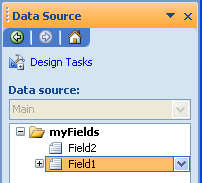
If you want to reorder nodes within a group in the Data Source pane
it's rather tedious to have to select "move up/down" from the little
dropdown menu. Instead there is a way to do it quickly via keyboard.
1) Open the Data Source task pane.
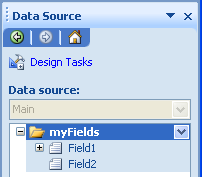
2) Hit F6 (notice the taskpane title bar turns orange)
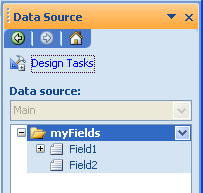
3) Hit Tab (notice a node in the Data Source Pane is selected)
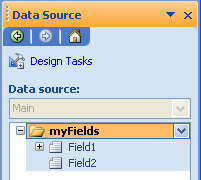
4) Up/Down arrow will change the node selection
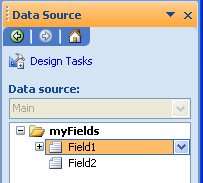
5) Hold down CTRL and then hit up/down arrow and the node will move!
Note: This
only works to reorder nodes or groups within a group. You can't move a
node outside its parent.
Additional Tip:
- You can use + or - on your numpad to expand or collapse nodes.
- By using * you can open the entire branch and all the sub-branches