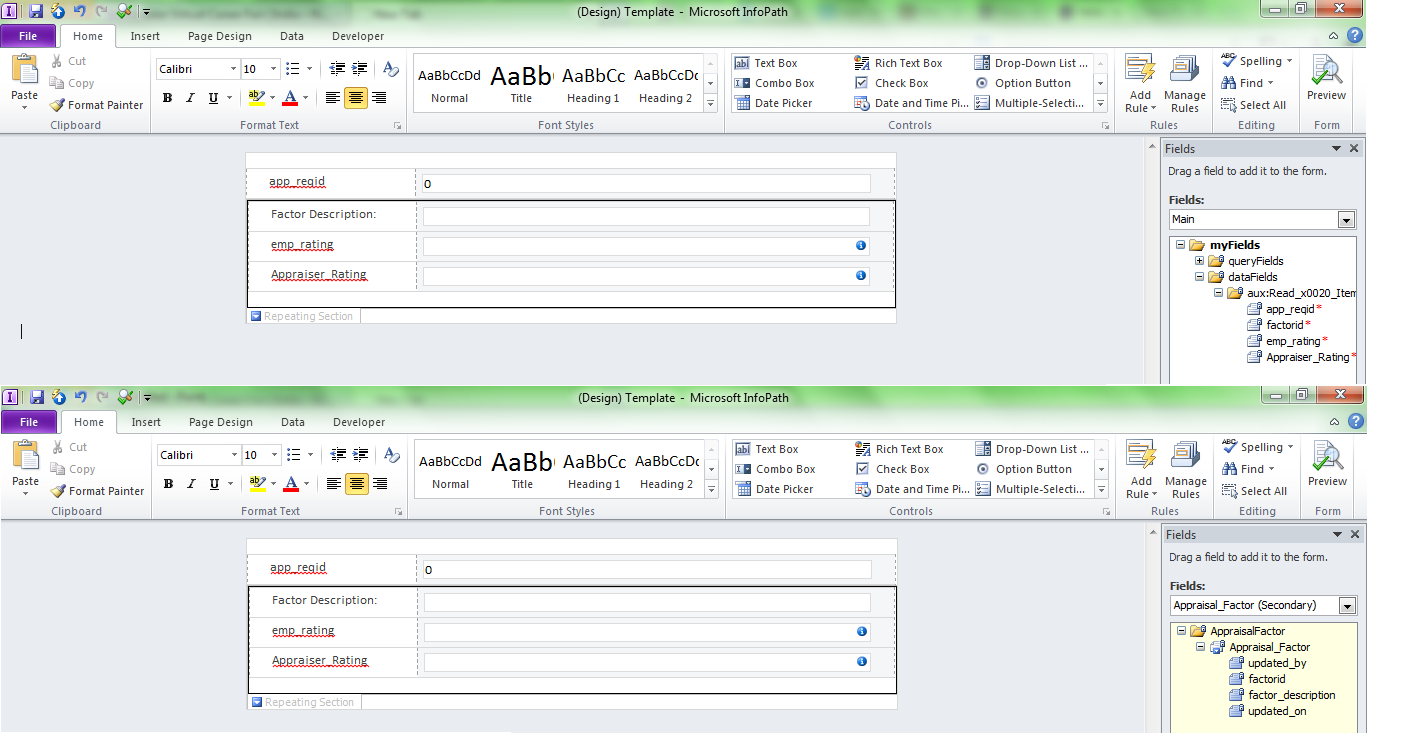
I have a external list published as form library. I have exported this form library to InfoPath using edit template button in SharePoint designer. I need two tables in a form one is a master table of 'factors' and another is of 'factor_rating'. So i created the external list of the factor_rating and imported to InfoPath and as external list do not allow additional data connection, i added xml of my 'factors' table. This is d only way i am able to find out..
Is there any other way for situation like this.?? If yes then please help.
Or if no other way and i am going in a right way then i have another problem. As my 'factors' need to be repeating as there are many factors to rate. But 'factor_rating' table is not repeatable. I tried to add non-repeating controls in repeating section . But it gives out error.
My tables are in sql server database.
In attached picture i am trying to show how i want and beside are two data source.
So how can i resolve this problem.?
Thanks in advance.