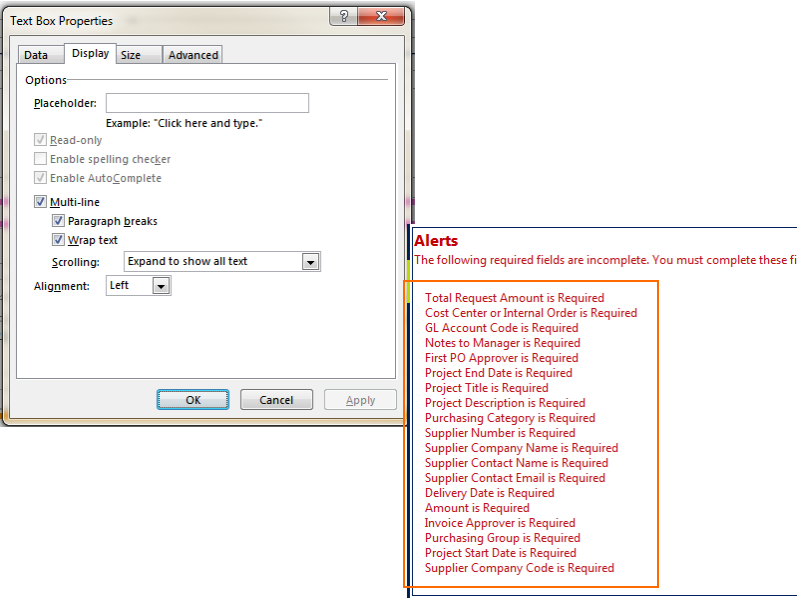
So - there are actually breaks in there, you just can't see them. I double checked my form where I've used this command, and what I did was add a text box bound to the (single) field I copied the rules into. I'm including a screenshot of the settings for that control and how the errors look - remove the borders on the text box so users know they can't type in it. :)
I've outlined the bit that is in the text box - I just add a field to a secondary XML file for this, so I know it will be empty on re-open. Oh, I should add - this is a Filler form, so if you have a different experience in browser, please let me know.