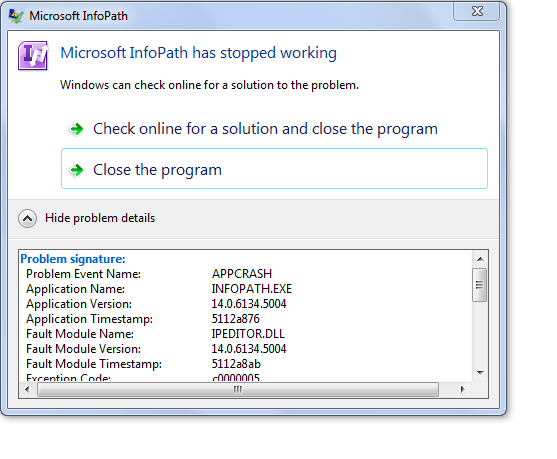
This is a form which has been in use for several years. Users were able to open this form yesterday PM. No changes were made to the form. This morning at least 10 users are receiving the attached error message when attempting to open a form 1) using the "Add" button in the document library, 2) clicking on a submitted form in the doucment library, 3) clicking to open a form saved on a local drive. Error message attached and details included below. I successfully quickpublished the form twice but still receive the error when trying to open a form. Tried publishing to a new SharePoint document library and receive the same error. Other InfoPath forms publised to other libraries open appropriately.
Can you suggest
Details of error message:
Problem signature:
Problem Event Name: APPCRASH
Application Name: INFOPATH.EXE
Application Version: 14.0.6134.5004
Application Timestamp: 5112a876
Fault Module Name: IPEDITOR.DLL
Fault Module Version: 14.0.6134.5004
Fault Module Timestamp: 5112a8ab
Exception Code: c0000005
Exception Offset: 000a9289
OS Version: 6.1.7601.2.1.0.256.4
Locale ID: 1033
Additional information about the problem:
LCID: 1033
skulcid: 1033
Read our privacy statement online:
http://go.microsoft.com/fwlink/?linkid=104288&clcid=0x0409
If the online privacy statement is not available, please read our privacy statement offline:
C:\Windows\system32\en-US\erofflps.txt