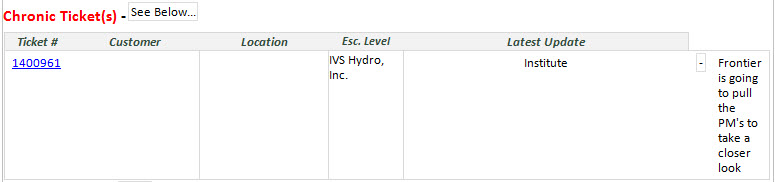
I am running into an issue when users are filling out some fields within a Repeating Table. I've found that the users are copying/pasting from a browser window, and placing the content into the appropriate table fields. When they do this, it is adding on some extra space after each piece of text. When they submit the form via E-mail, the cells get pushed to the right, and are out of line. I changed the control from Rich Text Box to just a Text Box, thinking this would alleviate the problem, but no luck.
Is there a way to strip the extra spaces off of the text before submitting the form?
I attempted to attach a screenshot of what the end result is with the extra spaces. I'm not sure exactly how the file attachments work just yet, but hopefully it works! Thanks in advance for the help!