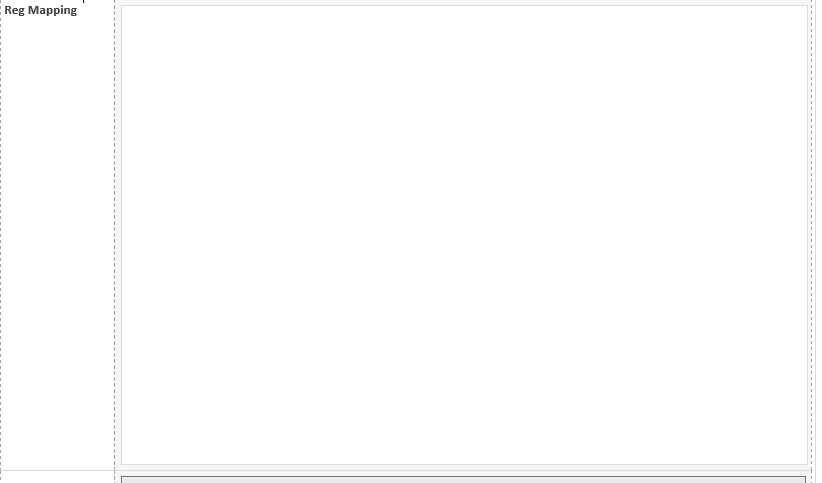
I have a recurring problem with my Infopath forms. Whenever I have a ROW, which is split into a smaller left-hand portion (for a "label" type purpose), and a larger right-hand portion (for a control-type of purpose), IF the control is very "tall" at all, then the left-hand cell (text) aligns at the bottom, when viewed in the browser (but not when viewed in Design view - there, it is at the top OR middle, where I want it). See attached picture. I have a fairly tall control which happens to be a multi select checkbox type of field/control. To the left I have text. I swear the left hand cell is set to Vertical Alignment=top. See picture in Design view vs. Browser view. Why does my text appear at the top in Design view, but frustratingly at the bottom in Browser view???