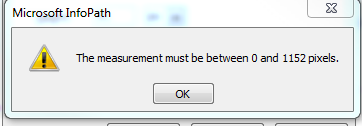
Hi, I have an InfoPath 2010 Browser form and have inserted an image onto the form that is 1200 x 90 pixels. When inserted, the image is shrunk for some reason. When I try to adjust the size to 1200 (which is the form size) in the Image properties, I get the following message (screenshot below). However, I can click and drag the image to fill the column. But, it makes the text on the image a little fuzzy. Does anyone know what the issue is? I've searched online, but am not getting any hits on this message.
In case there isn't a solution....As a fix, I'm going to break the image into 2 halves and see if I can get it to look seamless.