Some kind of gap- weired?! - InfoPath Dev
in

InfoPath Dev

Some kind of gap- weired?!

Last post 09-29-2010 08:43 AM by Joern. 4 replies.
Page 1 of 1 (5 items)
Sort Posts: Previous Next
  • 09-28-2010 05:19 AM

    • Joern
    • Top 150 Contributor
    • Joined on 09-28-2010
    • Posts 79

    Some kind of gap- weired?!

    Hello all,

    I am absolutely new to InfoPath but already enthused due to its numerous possibilities. I'm still using InfoPart 2003 SP1.

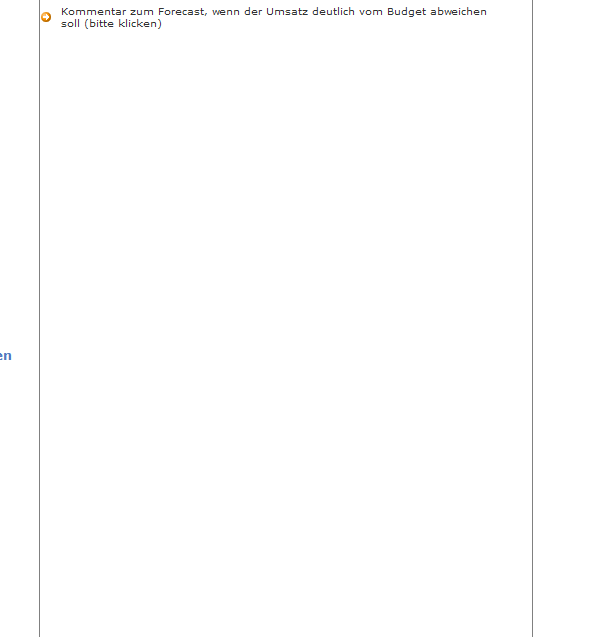
    However, I've already created a blueprint of a form but when I switch to the preview there is shown a huge kind of gap and I simply do not know where it comes from?! (pls see attached file "Gap").

    May I kindly ask you to help me? Do you have any hints / experiences regarding that very problem?

    Please ask if you need more information or screenshots from the blueprint.


    Many thanks in advance.

    Joern


  • 09-28-2010 06:53 AM In reply to

    Re: Some kind of gap- weired?!

    You can right click on the controls and check their properties. Sometimes the height property is the problem.

    Also check for blank lines breaks with no text in them.

    Ernesto Machado
    Qdabra® Software/ InfoPathDev.com
    The InfoPath Experts – Streamline data gathering to turn process into knowledge.™


  • 09-28-2010 07:08 AM In reply to

    • Joern
    • Top 150 Contributor
    • Joined on 09-28-2010
    • Posts 79

    Re: Some kind of gap- weired?!

    Hmmm, I have checked the height properties but found no mistake. I set them to 'auto'.

    How can I check line breaks? At least I have no empty lines after ther optional section.

    I appreciate further hints. Thank you

  • 09-28-2010 10:04 AM In reply to

    Re: Some kind of gap- weired?!

    If you are using any layout tables, you need to also make sure the row height is set to automatic.
    Hilary Stoupa

  • 09-29-2010 08:43 AM In reply to

    • Joern
    • Top 150 Contributor
    • Joined on 09-28-2010
    • Posts 79

    Re: Some kind of gap- weired?!

    Thank you very much. After I have set the row height to automatic it works again. Thank you very much once again. I really appreciate it.

Page 1 of 1 (5 items)
Copyright © 2003-2019 Qdabra Software. All rights reserved.
View our Terms of Use.